Why Developers Are Switching to New Video Generation APIs
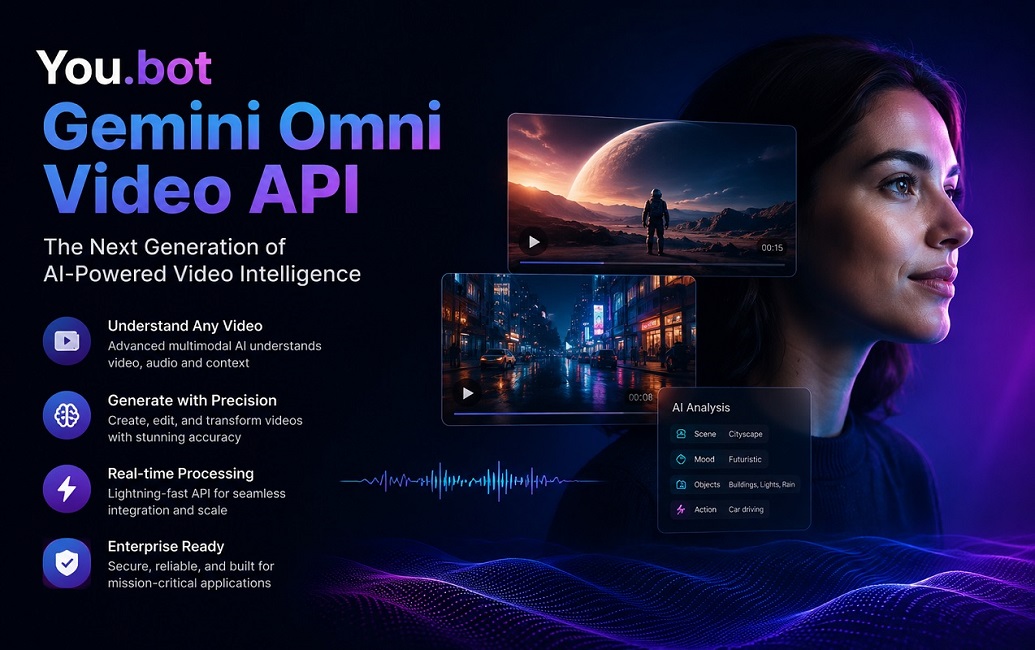
Video generation has moved from a novelty feature to a core requirement for apps, marketing tools, and creative platforms. The You.bot Gemini Omni Video API gives developers a direct path to Google’s Gemini Omni video model without the overhead of managing multiple vendor accounts. It supports text-to-video and image-to-video workflows across 720P, 1080P, and 4K outputs, with flexible durations ranging from 4 to 10 seconds.
What makes this appealing to technical teams is the combination of reliability and predictable costs. Instead of juggling separate billing dashboards for every AI provider, developers can route requests through a single endpoint and get consistent JSON responses. This reduces integration time significantly, especially for teams already comfortable with REST APIs and token-based authentication systems common in modern SaaS tooling.
How the API Handles Different Video Resolutions
Resolution flexibility is one of the strongest selling points of this platform. Developers can request 720P outputs for lightweight previews, 1080P for standard production use, or 4K for high-fidelity marketing and film assets. Each resolution tier maps to a specific credit cost, so budgeting for a batch of video generations becomes straightforward rather than guesswork.
For example, a 4-second 720P clip costs around 31 credits, while a 4K clip of the same length runs closer to 73 credits. This tiered structure lets teams scale their spend based on actual project needs. A prototype phase might rely entirely on 720P outputs, while final production runs shift to 1080P or 4K once creative direction is locked in.
Understanding Duration-Based Pricing Tiers
Duration is the second major variable in cost planning, and the API structures it in clear increments of 4, 6, 8, and 10 seconds. Longer clips naturally cost more credits, but the scaling is gradual rather than punitive, which helps when building tools that generate variable-length content based on user input.
6-second 1080P video costs about 41 credits, while a 10-second version at the same resolution rises to roughly 62 credits. This near-linear pricing pattern makes it easy for developers to build cost estimators directly into their own applications. Users generating short social clips pay less, while those producing longer promotional videos scale their spend accordingly without unpredictable jumps.
Working With Image-to-Video and Text-to-Video Modes
The model supports two primary generation modes: creating video purely from a text prompt, or animating an existing image into motion. Both modes share the same underlying credit structure, though video generation with an input image typically costs slightly more due to the added processing complexity involved in analyzing and animating source visuals.
Developers building creative tools, especially those focused on product visualization or social content automation, benefit from having both modes available through one integration. A single codebase can offer users the choice between generating from scratch or bringing a static image to life, without needing separate API contracts or authentication flows for each mode.
Real-Time Status Monitoring for Reliable Uptime
Reliability matters just as much as pricing when building production systems around a video generation model. The platform includes a 24-hour status monitor showing operational history, so developers can verify uptime trends before committing to heavy usage in a live application. This transparency helps teams plan around any historical latency or downtime patterns.
Average generation time per run sits around 31 credits worth of processing per task, giving developers a rough benchmark for expected turnaround. Because failed generations are automatically refunded rather than charged, teams can experiment more freely during development without worrying about wasted budget on errors, timeouts, or unexpected API responses.
Cost Savings Through Bulk Credit Top-Ups
Pricing transparency is central to how this service positions itself against direct API access. Developers can access the full API service and interactive playground with up to 64% cost savings compared to standard pricing, particularly on higher-resolution and longer-duration video generations. This makes it a compelling option for startups and agencies producing video content at scale.
The savings structure rewards upfront commitment. A top-up of $1,250 adds a 10% credit bonus, pushing total savings on select generations, like the 4-second 4K clip without video input, from a 60.9% base discount to a 64% effective discount. For teams running frequent batch jobs, this tiered incentive can meaningfully lower per-unit video generation costs over time.
Credit System and Transparent Billing Explained
The credit-based billing model simplifies cost tracking across an entire application. Each credit equals exactly $0.01 USD, and every generation type has a fixed credit cost published openly on the pricing page. This removes the ambiguity that often comes with usage-based billing tiers that fluctuate based on server load or time of day.
Importantly, credits never expire, which matters for developers building tools with irregular usage patterns. A seasonal marketing app or a side project that sees sporadic traffic doesn’t lose unused budget. Teams can top up once, deploy their integration, and revisit billing only when they need to replenish credits rather than managing recurring subscription renewals.
Building with the Interactive Playground First
Before writing production code, developers benefit from testing prompts and parameters directly in the interactive playground. This sandbox environment lets teams experiment with resolution, duration, and input type combinations to see actual output quality before committing API calls in a live application. It shortens the feedback loop considerably during early development.
Using the You.bot Gemini Omni Video API playground also helps teams document expected behavior for different prompt structures. Since video generation models can be sensitive to phrasing and input image quality, having a no-code testing ground reduces the number of failed production calls and speeds up onboarding for junior developers unfamiliar with prompt engineering nuances.
Integration Patterns for SaaS and Automation Tools
Many developers integrating this API are building it into larger automation pipelines, think content scheduling tools, social media managers, or e-commerce product video generators. The API’s predictable credit costs make it easier to pass usage-based pricing onto end users without absorbing unpredictable margin loss from variable third-party fees.
A common pattern involves queuing generation requests through a backend job processor, checking status via polling or webhooks, and storing completed videos in cloud storage before serving them to end users. Since failed tasks are refunded automatically, developers can build retry logic without double-charging customers, which simplifies billing reconciliation in multi-tenant SaaS applications significantly.
Extending Capabilities with Additional Model Features
Beyond standard video generation, the platform also offers supplementary features like Gemini Omni Character and Gemini Omni Audio, priced separately at a fraction of standard video generation costs. These additions let developers layer character consistency or audio elements into their video pipeline without switching to an entirely different vendor or API structure.
For developers exploring the broader ecosystem, the You.bot Gemini Omni Video API sits alongside other video models like Veo 3.1 and Kling 3.0 on the same platform, allowing side-by-side experimentation. This flexibility is particularly useful for teams still evaluating which model best fits their specific use case, whether that’s cinematic quality, faster iteration speed, or lower-cost bulk generation for high-volume applications.